Compare
Kavouki or a spreadsheet?
A spreadsheet is free, flexible and already on your computer. For many people it is the first home inventory, and sometimes it is enough. Here is what Kavouki adds, what a spreadsheet does better, and how to bring yours across.
Side by side
Both are free. They are good at different things.
| What you need | A spreadsheet | Kavouki |
|---|---|---|
| Cost | Free | Free; an optional Kavouki Plus later |
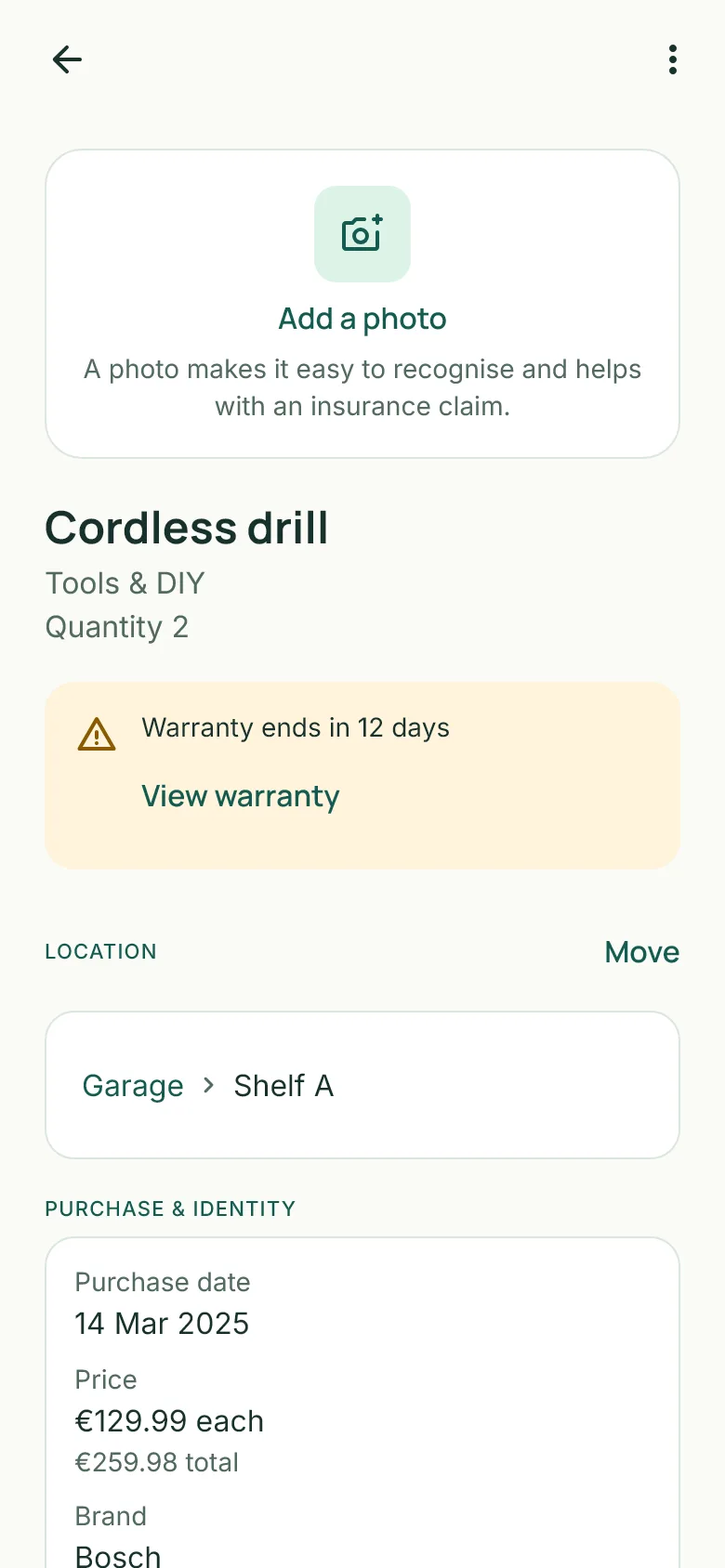
| A photo of each thing | Possible, usually as separate files | Up to 10 photos per item, kept with it |
| Receipts and manuals | In a folder somewhere else | Up to 10 documents per item |
| Where each thing is | A column you type | Rooms, storage and boxes, one inside the other |
| Finding something | Search the sheet on your computer | Search your home on your phone, or scan a barcode |
| Warranty and service reminders | Only if you build them | Built in, with To do and notifications |
| Adding things while you stand in the room | Fiddly on a phone | Made for it: Add items, one photo each |
| Formulas, charts, your own columns | Yes | No: fixed fields, and a CSV export for your own sums |
| Several people editing at once | Yes, with a shared online sheet | No: you send a copy of a home as a file |
| On a computer | Yes | No: the CSV export opens there |
| Where the data lives | On your computer or in your cloud account | On your phone, with backups you keep as files |
Which one fits you
When a spreadsheet is enough
- You mostly want a list with values, for yourself or a broker.
- You like formulas, charts or your own columns.
- Several people need to edit the same list at the same time.
- You work on a computer more than on your phone.
When Kavouki helps more
- You want a photo and the receipt with each thing, not in another folder.
- You want to be reminded before a warranty ends or a service is due.
- You want to find things from the phone in your hand, by any word or a barcode.
- You also look after a car or a rental, and want it all in one place.
Keep your work
Bring your spreadsheet in, in one step
Use the template's column names
Name is the only one you need. The others are Location, Category, Quantity, Brand, Model, Serial number, Purchase date, Price, Currency, Warranty expires, Notes and Barcode, in English or Greek.
Save it as CSV
From Excel, Numbers or Google Sheets. Commas or semicolons both work, as do dates like 14/3/2025.
Import it
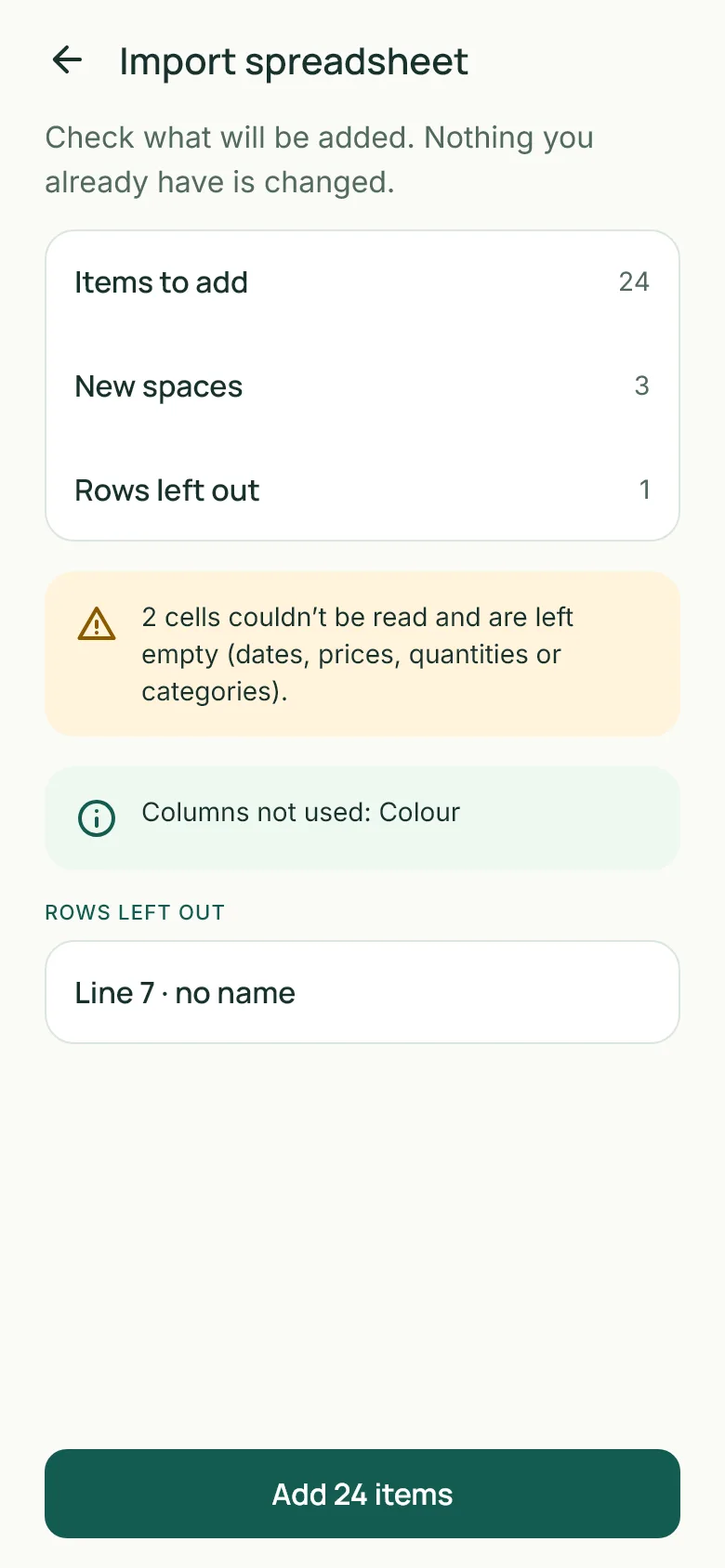
Settings › Data & backup › Import from spreadsheet (CSV). A preview shows what will be added and which rows were left out.
Add photos as you go
Rooms and boxes are created from the Location column, such as "Garage / Shelf A". Add photos and receipts to the important things over time.
Good to know
- The import only adds. It never changes or deletes what is already in Kavouki.
- Up to 5,000 rows and 5 MB per file.
- A cell Kavouki cannot read, such as a strange date, is left empty and counted, and the row is still added.
- Export as spreadsheet (CSV) takes everything back out, free, whenever you want.
Questions
Can I keep using my spreadsheet and Kavouki together?
Yes, but not as a live link. Import once to start, then export to CSV whenever you want a fresh copy for your spreadsheet. The import does not look for duplicates, so import only rows that are new.
Will Greek text and euro prices come through?
Yes. Files in UTF-8 keep Greek text, prices can use a comma or a full stop for decimals, and the export opens in Excel with Greek intact.
Where does my list go when I import it?
Into Kavouki on your phone, and nowhere else. The copy of the file Kavouki reads is deleted after the import.
Start from the list you already have
Kavouki is free to download for Android, and soon for iPhone. Get the template now, or do the same job in the app.